
Verified AA Browser 2.0 APK download details
The first-party asset is AABrowser-2.0.apk, published under tag v2.0 by kododake/AABrowser. The stable button above points to that GitHub release asset, not to a temporary CDN URL or an APK mirror.
GitHub's Release API supplies the tag, publication time, filename, byte size, APK content type and SHA-256 digest. The tagged app/build.gradle.kts source supplies the package ID, minSdk = 35, targetSdk = 36 and versionName = 2.0. A range request to the stable GitHub asset returned HTTP 206 and the expected total size, confirming that the link resolves to a real APK file.
Use those facts together. A file merely named “AA Browser 2.0 APK” is not enough: compare the repository owner, release tag, filename, exact byte size and checksum. This is especially important because the developer warns that GitHub is the only official distribution source and that impersonation sites exist.
| Field | Verified value |
|---|---|
| Release | v2.0 |
| Published | April 13, 2026 at 10:36 UTC |
| Filename | AABrowser-2.0.apk |
| File size | 6,370,463 bytes (about 6.08 MiB) |
| MIME type | application/vnd.android.package-archive |
| Package | com.kododake.aabrowser |
| Minimum SDK | API 35 / Android 15 |
| Target SDK | API 36 |
| SHA-256 | 9df5b2afd3fbf52a419ad57427dfbd8eeeb395ee7d29d85a6c2cb39741a730dc |
Who should use AA Browser 2.0?
Version 2.0 is mainly useful for testing, rollback, release comparison or reproducing behavior from April 2026. It is not a workaround for Android 14: the tagged source already requires Android 15 / API 35, exactly like the current 2.2 line. If your phone cannot install 2.2 because it runs Android 14 or earlier, version 2.0 will not solve that installer-level restriction.
A reasonable rollback case exists when a specific workflow worked in 2.0 but changed in 2.2, and you need to confirm whether the release difference is responsible. Record your current version, bookmarks, permissions and settings before replacing the app. Test while safely parked, then move back to the current release unless the older build is needed for a clearly documented reason.
Do not choose 2.0 because a third-party page calls it “latest,” “premium,” “unlocked,” or “for Android 14.” GitHub shows that 2.2 was published after 2.0, and the official v2.0 source declares Android 15 as its minimum. There is also no official iPhone or iOS build: APK files are Android packages.
Both 2.0 and 2.2 declare API 35 as the minimum. For older Android compatibility, review the verified AA Browser 1.3 page and its limitations instead of installing an unverified modified APK.
What changed in AA Browser 2.0
The official v2.0 notes describe a major interface and usability release rather than a small patch.
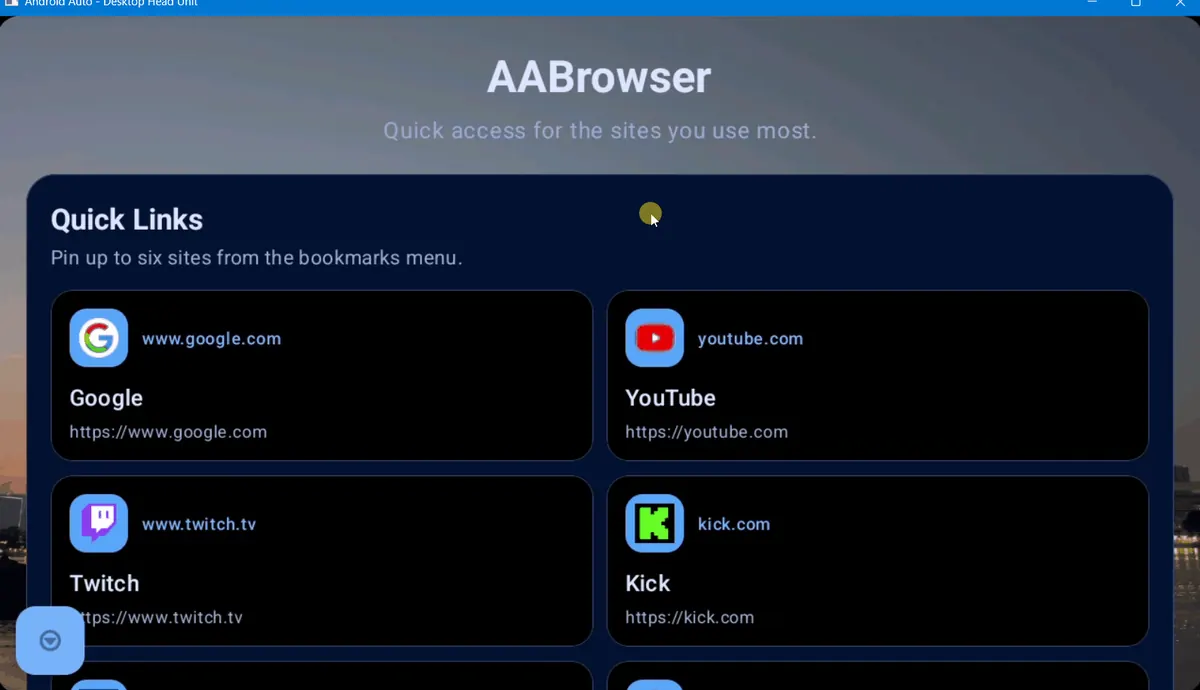
The release also added a tabbed donation interface for GitHub Sponsors and Bitcoin. That support module is part of the published feature set, but the practical browsing changes are the redesigned start page, tabs, favicons, theme behavior, screen scaling and background-image handling.
These changes explain why searches for AA Browser 2.0 remain distinct from generic version-history searches. Version 2.0 is the point where the modern start page and multi-tab experience became central to the app, making it useful as a named release reference even after 2.2 replaced it as the newest build.
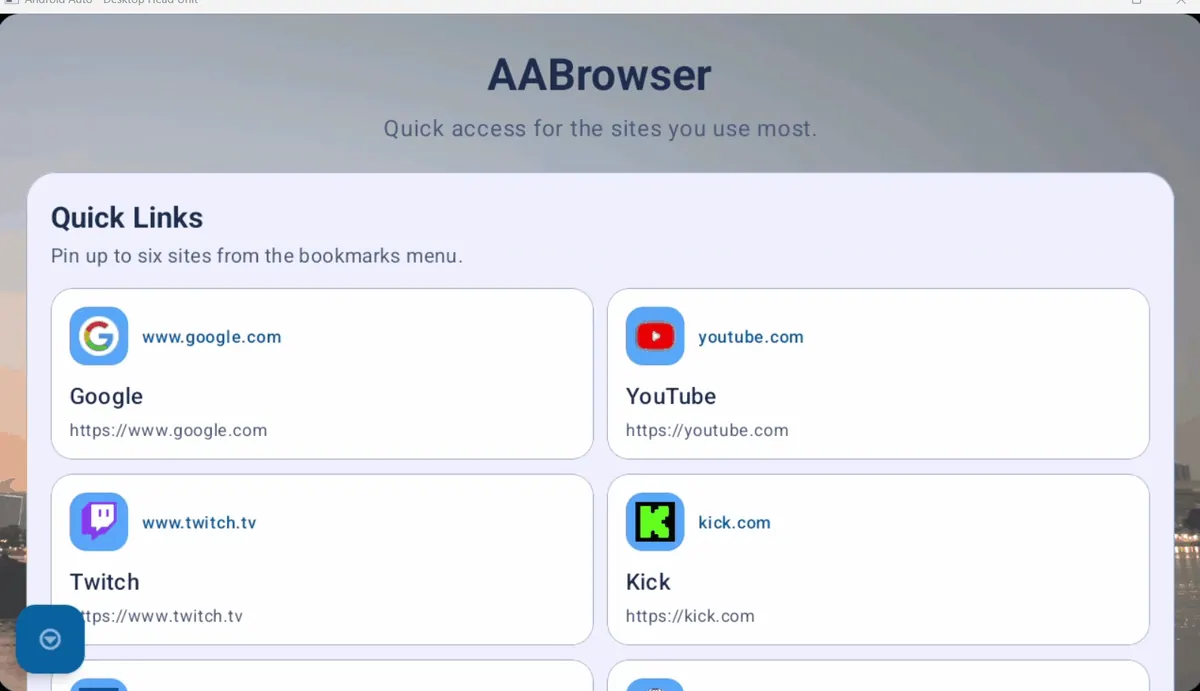
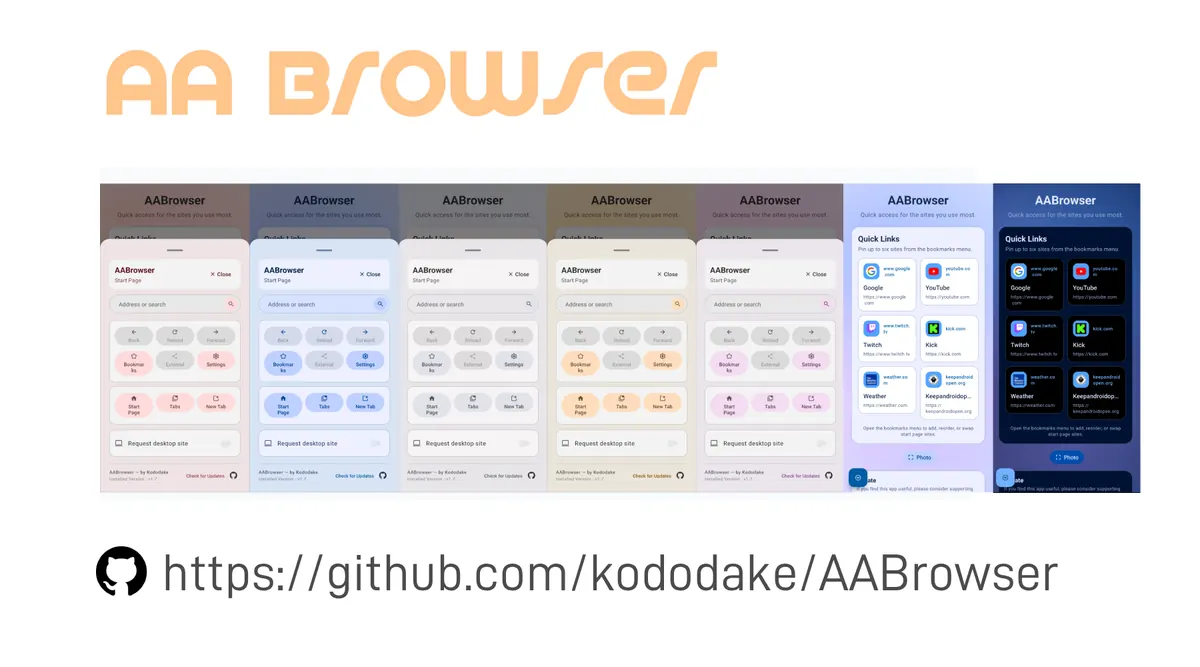
Redesigned start page
Actions were reorganized into aligned cards, while Photo Mode could hide the interface so a selected background remained visible.
Tabs and smarter navigation
The 2.0 generation added real tab-oriented browsing, improved menu logic, better back-button behavior and cached favicons in tabs and bookmarks.
Theme and display controls
Auto, Light and Dark modes, theme-aware gradients and global display-scaling presets gave users more control over different head-unit screens.
Background stability
The release optimized background-image handling to reduce crash risk when users selected large wallpaper files.
AA Browser 2.0 vs 2.2
Both versions require Android 15, so the decision is about features, maintenance and reproducing old behavior—not broader phone compatibility.
Install 2.2 when you simply want the current official release. Choose 2.0 only when you need its exact April behavior, are investigating a regression, or are documenting the release history. The newer APK keeps the 2.0 foundation and adds later interface polish, drag-and-drop controls, desktop-mode work, security-dialog updates and code maintenance.
File size does not establish that one release is faster, safer or more compatible. The meaningful evidence is the release note, tagged source, Android requirement and the exact problem you are testing. If 2.2 fails to appear in Android Auto, troubleshoot launcher visibility before downgrading; if it fails to install on Android 14, 2.0 will fail for the same minimum-SDK reason.
| Check | Version 2.0 | Version 2.2 |
|---|---|---|
| Release date | April 13, 2026 | June 13, 2026 |
| Android minimum | Android 15 / API 35 | Android 15 / API 35 |
| APK size | 6,370,463 bytes | 6,763,349 bytes |
| Start page | Redesigned cards and Photo Mode | Frosted-glass styling and sponsor display refinements |
| Organization | Tabs, bookmarks and favicons | Drag-and-drop ordering for Quick Access, bookmarks and tabs |
| Settings and updates | New 2.0 settings foundation | Cleaner expandable settings and color-coded update states |
| Maintenance | April 2026 code baseline | Later dependency, certificate-dialog, API and memory updates |
How to install AA Browser 2.0 APK
- 1
Confirm Android 15 or later
Open the phone's Android version information before downloading. AA Browser 2.0 declares API 35 as its minimum and cannot be used as an Android 14 workaround.
- 2
Open the official v2.0 asset
Use the download button above or the official v2.0 Release page. Confirm
AABrowser-2.0.apkand the 6,370,463-byte size. - 3
Verify the file when needed
Compare SHA-256
9df5b2afd3fbf52a419ad57427dfbd8eeeb395ee7d29d85a6c2cb39741a730dc, especially if the APK reached you through any path other than the official GitHub asset. - 4
Allow the installer source
Temporarily allow your browser or file manager to install unknown apps, review the Android installer prompt, complete installation and revoke that source permission afterward if you no longer need it.
- 5
Enable Android Auto Unknown sources
Unlock Android Auto Developer Settings by tapping the Version section ten times, open the three-dot menu and enable Unknown sources. Menu wording can vary by phone.
- 6
Test while safely parked
Connect to the head unit, confirm the launcher entry and test tabs, scaling and navigation only while parked. Never browse or troubleshoot while driving.
If AA Browser 2.0 does not install or appear
An “app not installed” message usually points to Android version, package conflict, file integrity, storage or installer permission. First verify Android 15, then compare the asset name, size and checksum. If another AA Browser build is already installed, note your data and test whether a clean reinstall is necessary rather than repeatedly downloading different files.
If installation succeeds but AA Browser does not appear in the car launcher, the problem is later in the chain. Confirm Android Auto Developer Settings and Unknown sources, reconnect the phone, refresh the launcher customization list and review the dedicated missing-app troubleshooting guide. Changing from 2.2 to 2.0 is not the first fix for a disabled launcher setting.
If the app appears but will not open, complete tests while parked and compare the same steps on the current release. The project README suggests opening a non-Google Maps navigation app such as Waze before AA Browser for a known startup scenario. Keep the diagnosis narrow: installation, launcher visibility, startup and individual website behavior are separate problems.
- Use version 2.2 for normal current-release installation on Android 15+.
- Use version 2.0 for rollback testing or exact release-history needs.
- Use the verified 1.3 information only when older Android support is the actual constraint.
- Never use modified, cracked or repackaged APKs as a compatibility shortcut.
- Never interact with the browser while driving; configure and test only when safely parked.
AA Browser 2.0 APK FAQ
Is AA Browser 2.0 the latest version?
No. The latest official non-prerelease checked on July 29, 2026 is AA Browser 2.2, published June 13, 2026. Version 2.0 was published April 13, 2026.
Where can I download AA Browser 2.0 APK?
Use the official kododake/AABrowser v2.0 Release. Its asset is AABrowser-2.0.apk.
Does AA Browser 2.0 work on Android 14?
No. The tagged v2.0 source declares minSdk = 35, which corresponds to Android 15. Version 2.0 is not an Android 14 fallback.
What is the AA Browser 2.0 APK checksum?
GitHub reports SHA-256 9df5b2afd3fbf52a419ad57427dfbd8eeeb395ee7d29d85a6c2cb39741a730dc. The official asset size is 6,370,463 bytes.
Should I install AA Browser 2.0 or 2.2?
Use 2.2 for normal installation because it is current and adds later interface and maintenance work. Use 2.0 only for a specific rollback, testing or release-reference need.
Can I install AA Browser 2.0 on iPhone?
No. APK files install on Android, and the official AA Browser repository does not publish an iOS version.