Can you watch YouTube on Android Auto now?
The answer depends on whether you mean Google's official parked-app rollout or opening the YouTube website through AA Browser.
Google announced in May 2026 that video apps, beginning with YouTube, are coming to selected cars while parked. The announcement names Android 17 or later and says availability will begin later in 2026, so an Android 16 phone or unsupported vehicle should not be expected to show YouTube today.
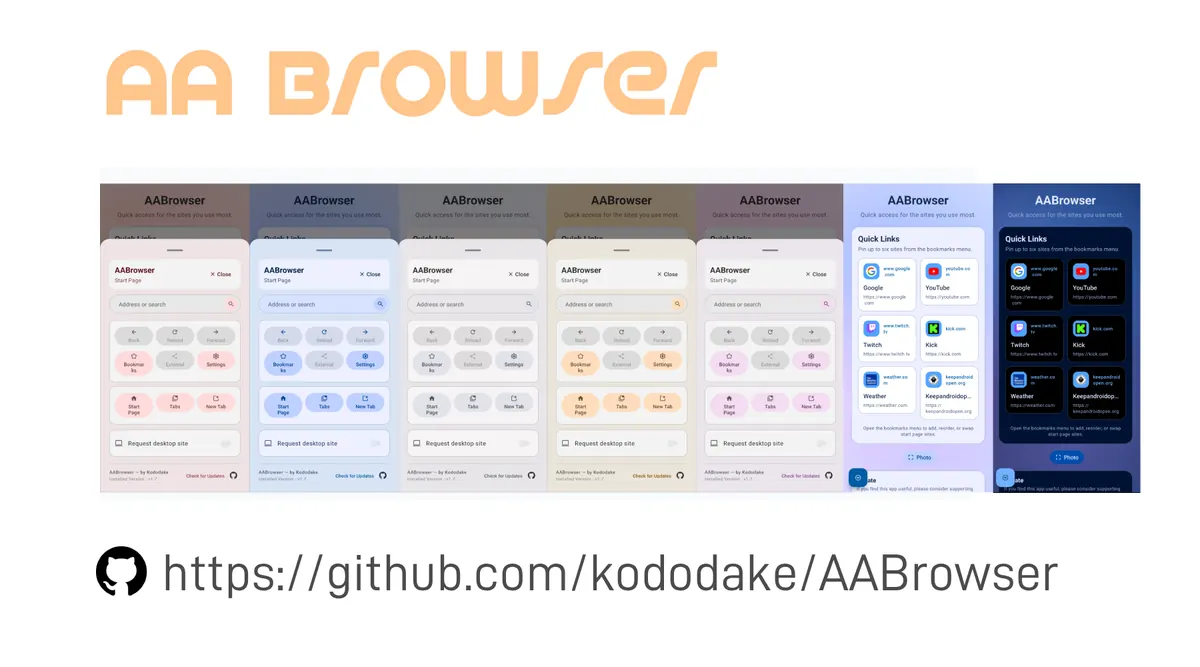
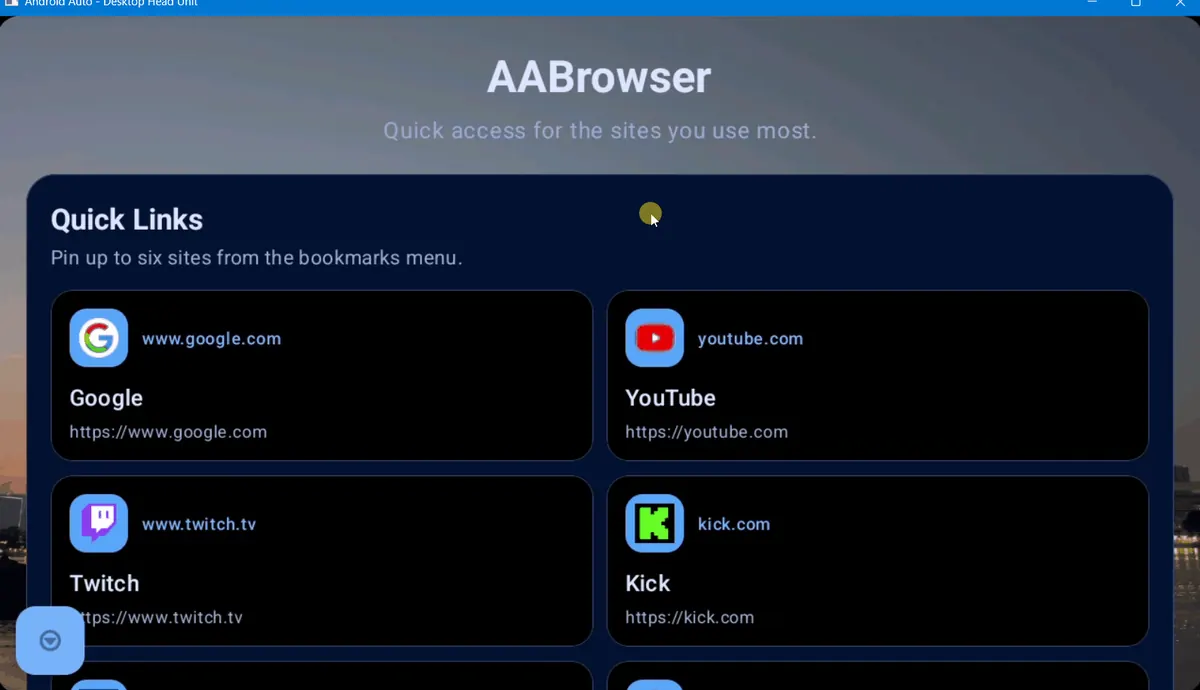
AA Browser is a separate open-source browser distributed through the developer's GitHub Releases. It can load ordinary web pages on a compatible Android Auto setup, but it does not turn YouTube into an officially certified Android Auto video app.
| Option | What it offers | Main limit | Best action |
|---|---|---|---|
| Official YouTube parked app | Google-supported video in compatible cars | Android 17+, supported vehicle and staged rollout | Wait for official availability |
| YouTube website in AA Browser | A browser-based test on Android 15+ | Playback, login, DRM and controls may vary | Test only while parked |
| Patched or mirroring apps | Unofficial workaround | Security, compatibility and distraction risk | Avoid unverified packages |
Requirements for official YouTube on Android Auto
A missing YouTube icon is usually an availability issue, not a setting you can force.
The high-volume query “YouTube on Android Auto Android 16” does not change Google's published Android 17+ requirement.
- 1
Check the phone version
Google's announcement names Android 17 or later. Android 16 does not meet that stated requirement.
- 2
Check the vehicle and Android Auto build
The car must support the parked-app experience, and Google may enable it in stages.
- 3
Update through official channels
Update Android, Android Auto and YouTube through the system updater or Google Play. Do not install a random APK advertised as an early unlock.
- 4
Confirm the car is parked
Video apps are designed to be blocked when the vehicle is moving. Do not attempt to bypass this safety restriction.
Can AA Browser play YouTube on Android Auto?
AA Browser may open the YouTube website, but successful page loading does not guarantee reliable video playback.
AA Browser 2.2 requires Android 15 or newer and is available from the verified kododake/AABrowser v2.2 release. The direct APK is 6,763,349 bytes and the release was published June 13, 2026.
YouTube can depend on account sign-in, cookies, codecs, Widevine DRM, hardware acceleration, full-screen APIs and Google service behavior. A page may load while a video remains black, pauses, refuses full screen or asks to open the phone app.
How to test YouTube in AA Browser safely
Use a short diagnostic sequence while parked instead of changing many settings at once.
- 1
Install only the verified release
Use the official GitHub release and confirm Android 15+ before troubleshooting.
- 2
Open a simple HTTPS page first
This separates an AA Browser launch or network problem from a YouTube-specific issue.
- 3
Open youtube.com without signing in
Test basic rendering first. Avoid entering credentials if the page or certificate warning looks unexpected.
- 4
Try one ordinary video
Check sound, picture and controls while parked. Livestreams, rentals and DRM-protected videos may behave differently.
- 5
Stop when the vehicle moves
Do not defeat motion restrictions. Continue later when safely parked.
Why YouTube does not work in Android Auto
Match the symptom before reinstalling or changing developer settings.
Developer Mode and Unknown sources can help Android Auto discover a third-party automotive APK, but they do not grant YouTube DRM support, change Google's Android 17 requirement or make moving playback safe.
| Symptom | Likely reason | What to do |
|---|---|---|
| No official YouTube app appears | Rollout, Android or vehicle not supported | Check Android 17+, vehicle support and rollout status |
| AA Browser icon is missing | Installation or Android Auto discovery issue | Use the missing app guide |
| YouTube page loads but video is black | Codec, DRM or acceleration limit | Try a normal video; do not install a patched APK |
| Sign-in loops or fails | Cookies or embedded-browser policy | Use the phone app or wait for official support |
| Works parked but stops moving | Expected driving-state restriction | Keep video off while driving |
Which YouTube on Android Auto option should you choose?
Choose the path that matches your device and risk tolerance rather than the most aggressive workaround.
Google's Android Developers announcement is the primary source for the planned rollout. The parked-app documentation explains that these experiences are intended for times when the vehicle is not moving.
Wait for official support
Best for Android 17+ users with a compatible car who want predictable controls and updates.
Use AA Browser as a parked web test
Reasonable only when you accept that website video compatibility is not guaranteed.
Avoid bypass packages
Do not install modified APKs that promise motion unlocks or unsupported Android versions.
YouTube on Android Auto FAQ
Is YouTube officially available on Android Auto?
Google announced a parked YouTube experience for compatible vehicles and Android 17 or later, with rollout expected later in 2026. Availability is not universal as of July 23, 2026.
Can Android 16 run the official YouTube Android Auto app?
Google's published requirement names Android 17 or later.
Can AA Browser open YouTube?
AA Browser can open websites, so youtube.com may load, but playback, sign-in, DRM, full screen and controls are not guaranteed.
Why is the YouTube video black in AA Browser?
Likely causes include codec, DRM, hardware acceleration, cookie or embedded-browser limits.
Can I watch YouTube while driving?
No. Video should only be used while safely parked.
Where should I download AA Browser?
Use kododake/AABrowser GitHub Releases. The latest stable release checked on July 23, 2026 is v2.2, with a 6,763,349-byte APK for Android 15+.