Short answer: Netflix is not a universal Android Auto app
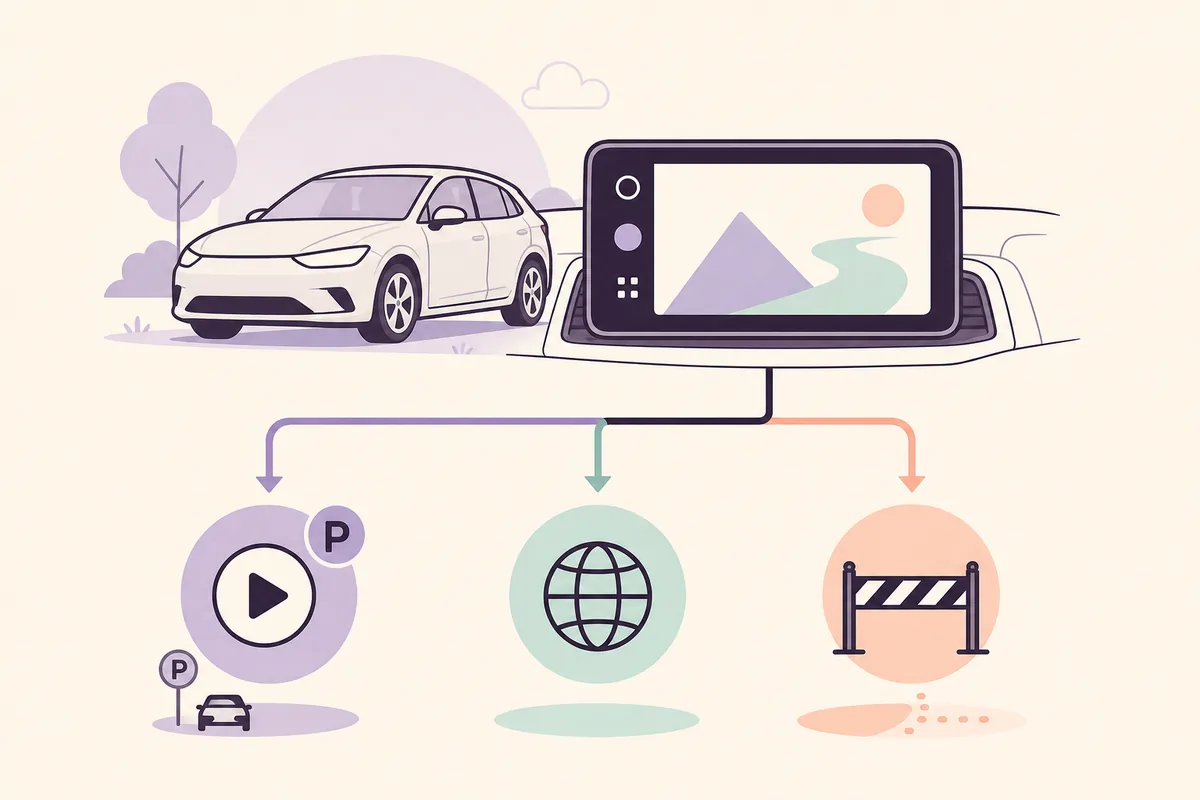
The phrase can describe an official parked-video app, a browser-based website test, or an unofficial workaround. Those are different things.
Do not assume that a Netflix icon should appear in every Android Auto launcher. App availability can depend on the Android version, Android Auto build, vehicle support, rollout status, and the app's own car experience. A missing icon is not proof that installing a mirror APK or enabling one developer toggle will solve the problem.
Google's parked-app direction is the authoritative path to check first. Its Android Developers announcement describes video apps for compatible cars while parked, and the parked-app documentation explains why moving vehicles must be treated differently. If your phone or car does not meet the published conditions, wait for an official update instead of forcing a package into the launcher.
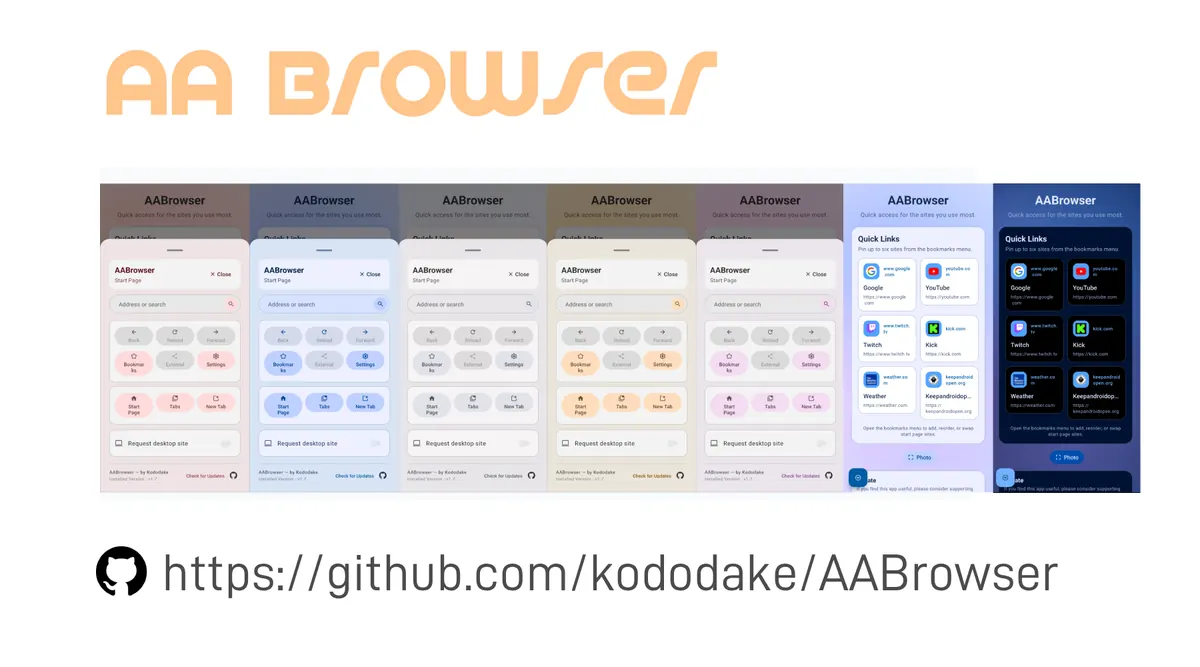
AA Browser belongs to a separate category. The verified current release is v2.2 from the genuine kododake/AABrowser GitHub project. It can open web pages on a compatible Android Auto setup, but a web page loading does not guarantee Netflix playback, account sign-in, DRM, sound, full-screen controls, or a stable experience.
| Path | What it means | What to verify | What not to assume |
|---|---|---|---|
| Official parked video support | A Google- and vehicle-supported video experience when parked | Phone version, Android Auto build, vehicle eligibility and rollout | It is not automatically available on every car |
| Netflix website in AA Browser | A browser-based experiment on a compatible Android Auto setup | Android 15+, verified v2.2 file, page loading, playback and controls | A browser is not an official Netflix Android Auto app |
| Adapter or third-party car system | A separate hardware or software product with its own claims | Exact product, compatibility, data handling and parked-use rules | A product page is not proof of Android Auto support |
| Patched or mirror APK | An unverified package claiming to unlock Netflix or motion playback | There is no reliable reason to trust the file | Do not install it or enter credentials |
Check the official Android Auto video-app path
A careful compatibility check is more useful than searching for a Netflix APK labelled for Android Auto.
For the current policy context, read Google's Android Developers announcement and the parked-app documentation. These are better references than a blog promising that one setting will make Netflix appear.
Terms such as “Netflix Android Auto hack” and “video unlock APK” describe a riskier intent than this guide supports. The safe answer is to verify official availability or stop at a clearly labelled parked browser experiment.
- 1
Check the phone and Android Auto versions
Review the current requirements in Google's official Android Auto and parked-app documentation. Do not treat a search snippet or a third-party download page as a version guarantee.
- 2
Check the vehicle and rollout state
A compatible phone does not make every head unit eligible. Look for the official feature or update on the connected phone and vehicle, and allow for staged availability.
- 3
Update through first-party channels
Use the Android system updater, Google Play and the vehicle maker's documented update path. Avoid a modified Netflix, Android Auto or car-display APK that promises an instant unlock.
- 4
Test only when the vehicle is stationary
Video belongs to parked time or passenger control. Never try to defeat motion restrictions, and do not troubleshoot an app while driving.
Netflix, YouTube, and AA Browser are different paths
Related searches often combine several products, but the technical and editorial boundaries are not interchangeable.
YouTube has its own Android Auto news and support questions, so it has a dedicated guide on this site. Netflix should not be treated as a synonym for YouTube, and the keyword “Android Auto video apps” should not be used to promise that every streaming service will appear in the launcher.
AA Browser is a general web browser built for an automotive Android Auto context. It may be useful for opening a normal HTTPS page while parked, but web compatibility is not the same as native app support. A service can reject embedded playback, require a phone app, depend on DRM or cookies, or change its behavior without AA Browser changing at all.
CarStream, wireless adapters and other projects are separate products. They may show up in related searches, but a mention is not an endorsement, a safety certification or a reason to download an APK from an unknown mirror. Keep the comparison useful by naming the boundary clearly.
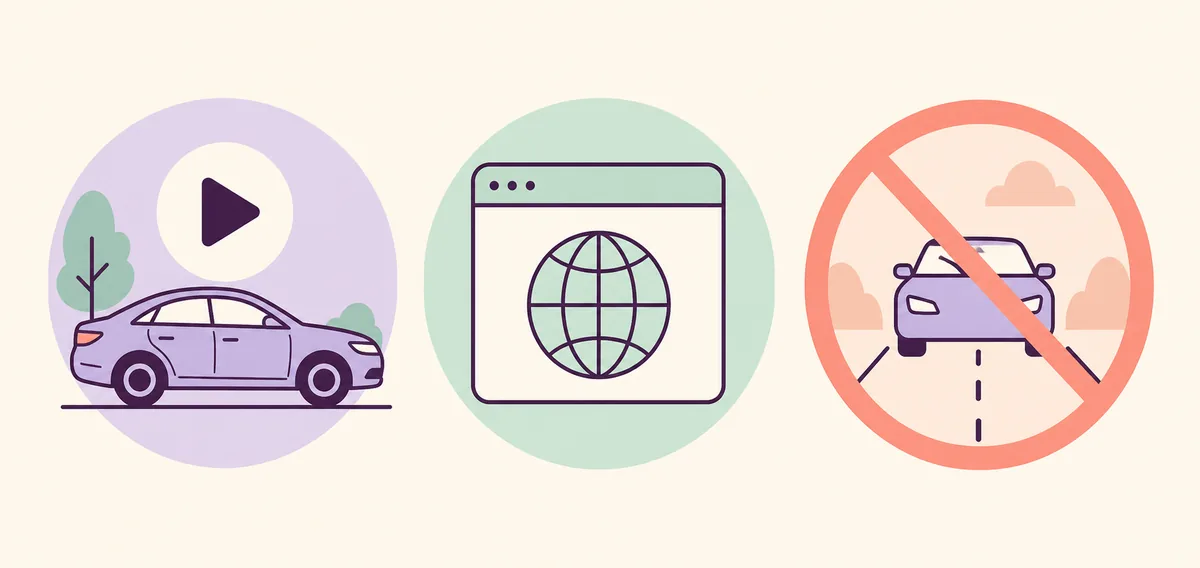
Official video path
Follow the current Google, vehicle and app requirements. Availability can be staged and parked-only.
AA Browser path
A web-page test on Android 15+ and verified v2.2, with playback and sign-in limits that must be tested honestly.
Bypass path
Modified APKs, motion unlocks and fake mirrors are not reliable solutions and are outside this site's download policy.
If you test AA Browser, keep the workflow parked
A browser test can answer whether a page loads; it cannot certify Netflix as an Android Auto app.
The latest official AA Browser release checked on August 16, 2026 is v2.2. The GitHub release identifies the stable asset as AABrowser-2.2.apk, 6,763,349 bytes, for Android 15 or later. The stable CTA remains the first-party GitHub v2.2 APK asset; the site does not host a copied APK or a Netflix package.
Before opening a streaming site, test one ordinary HTTPS page. If the browser cannot start, the issue is not Netflix. If the page loads but video is black, loops during sign-in, refuses full screen or asks to use the phone app, that is a web, DRM, cookie, codec or service-policy limitation rather than proof that another APK is needed.
Keep credentials out of an unexpected page or certificate warning. A matching checksum can establish that an APK matches the first-party Release bytes, but it is not a complete malware or privacy audit.
- 1
Confirm Android 15 or later
AA Browser v2.2 declares Android 15 / API 35 as its minimum. Android 14 is an installer-compatibility question, not a Netflix playback setting.
- 2
Use the genuine Release
Open the kododake/AABrowser Release path, compare the filename and byte size, and do not use a mirror or modified package.
- 3
Open a simple page first
A simple HTTPS page separates browser startup, network and Android Auto discovery from streaming-service behavior.
- 4
Test one page and one control
While parked, check rendering, sound and basic controls. Do not enter a password if the page looks unexpected, and do not treat a single successful load as native support.
- 5
Stop when the car moves
Never watch, troubleshoot or search for a bypass while driving. Continue later when the vehicle is safely parked.
What will not fix Netflix on Android Auto
When the intent is unsupported, more downloads usually add uncertainty instead of capability.
If the real problem is that AA Browser is missing from the Android Auto launcher, use the site's missing-app guide. If the APK will not install, use the installation-failure guide. If the page works parked but stops during motion, read the driving-state explanation instead of looking for a bypass.
- Enabling Android Auto Developer settings cannot make an unsupported Netflix app become a native automotive app.
- Unknown sources can affect discovery of a compatible sideloaded automotive app; it does not certify a random video APK or remove driving restrictions.
- A wireless adapter may change the connection path, but it does not prove Netflix support for your exact phone, car and service account.
- A “patched,” “cracked,” “premium,” or “motion unlock” APK should not be treated as the latest official release.
- A page that works while parked may stop when the vehicle moves by design. Do not turn that expected boundary into a troubleshooting race.
What should you do next?
Use the least speculative path that answers your actual question.
The short version is simple: search for Netflix on Android Auto as a compatibility question, not as permission to download a random installer. Official parked support is the preferred route. AA Browser is a separate, limited web option for compatible Android Auto setups, and every video test belongs to safely parked time or passenger control.
Check official support first
Review the current Android Auto, phone, vehicle and parked-app requirements before installing anything.
Use AA Browser only as a parked web test
The verified v2.2 browser can help test ordinary pages, but it does not promise native Netflix playback, DRM or sign-in.
Skip fake APK promises
Do not download an unverified Netflix, Android Auto or “motion unlock” package, and never test video while driving.
Netflix on Android Auto FAQ
Is Netflix officially available on Android Auto?
Do not assume universal availability. Check Google's current parked-video documentation, the Android Auto build, the vehicle and the app's official support. A missing Netflix icon is not a reason to install a mirror APK.
Can AA Browser open Netflix on Android Auto?
AA Browser can open ordinary web pages on a compatible setup, so the Netflix website may load, but playback, DRM, cookies, sign-in, sound and full-screen behavior are not guaranteed.
Is AA Browser the Netflix Android Auto app?
No. AA Browser is a separate web browser. The verified current release is v2.2 for Android 15 or later, and it does not turn a web page into an officially certified Netflix Android Auto experience.
Can Developer settings make Netflix appear?
Developer settings and Unknown sources may help Android Auto discover a compatible sideloaded automotive app, but they cannot create native Netflix support, change service DRM behavior or make moving video safe.
Should I download a Netflix APK for Android Auto?
No random mirror or modified package should be treated as official. Use first-party app and Android Auto update channels, or stop at a clearly labelled parked browser test.
Can I watch Netflix while driving?
No. Video testing and viewing belong only while safely parked or under passenger control. Never bypass motion restrictions.
Where can I verify the AA Browser version used in this guide?
The latest stable AA Browser Release checked on August 16, 2026 is v2.2 from kododake/AABrowser. The official asset is AABrowser-2.2.apk, 6,763,349 bytes, for Android 15 or later.