What are the best apps for Android Auto?
Start with one navigation app, one audio app and one messaging app. A smaller launcher is easier to use than a long list of phone apps.
For most drivers, Google Maps is the broadest navigation choice, while Waze is a strong alternative when live traffic and incident reports matter more to you. For audio, Spotify and YouTube Music cover the most common music and podcast routines. Messages should be chosen for reliable voice playback and dictation, not for a large touch interface.
The word best is a shortlist label, not a universal ranking. App availability, subscription features, country, phone profile, vehicle display and Android Auto version can change the result. Check the current Play Store listing for your account before installing an app, and test all setup changes while parked.
This page answers a different question from how to add apps to Android Auto. That guide explains launcher discovery and missing icons; this guide helps you decide which supported app is worth keeping in the launcher.
One navigation default
Keep Google Maps or Waze easy to reach, then add the other only if its traffic or route data solves a real need.
One audio home
Choose the service that already contains your playlists, podcasts or subscriptions so you do less searching on the road.
Voice-first messaging
Prefer apps that read messages and send dictated replies clearly, with as little screen interaction as possible.
A separate APK decision
Treat sideloaded automotive apps as an advanced compatibility choice, not as a shortcut for making any phone app appear.
Music, podcasts and messages without clutter
A good Android Auto setup reduces choices while driving. Install the audio and messaging services you actually use, then remove duplicate launchers that add distraction.
Streaming apps can look similar in the Android Auto launcher, but the best choice is usually the one with the least friction: stable sign-in, a familiar library and reliable voice commands. If a service exposes too many choices, prepare a queue or playlist before you connect.
Messaging apps are not meant to become a full chat window on the vehicle display. Android Auto's safer pattern is notification readout and voice reply. If you need to type, search, or manage a long thread, stop in a safe place first.
| Category | Good starting choice | Use it when | Practical check |
|---|---|---|---|
| Music and podcasts | Spotify | Your playlists, podcasts and saved library already live there. | Start playback before moving and confirm downloads or network coverage for your route. |
| Music library | YouTube Music | You use YouTube Music recommendations or an existing music subscription. | Check account sign-in and subscription limits on the phone first. |
| Messages | Google Messages or WhatsApp | You need incoming-message readout and short dictated replies. | Use voice interaction and keep messages brief; do not browse long conversations while driving. |
A five-minute Android Auto app test
- 1
Check the current listing
Open the Play Store page on the connected phone and look for Android Auto or car-display support. Do not infer support from the phone app's category alone.
- 2
Finish phone-side setup
Sign in, grant only necessary permissions and download an offline playlist or map data when the app provides that option.
- 3
Reconnect the session
Disconnect and reconnect Android Auto so the launcher can refresh. If the icon is missing, follow the checks in the existing add-apps guide.
- 4
Test one real task while parked
Try one route, one audio search and one dictated message with the vehicle stationary. Judge clarity and reliability, not how many features the phone app contains.
- 5
Keep the launcher small
Hide duplicates and leave only the apps you can recognize quickly. A shorter list is easier to scan and easier to troubleshoot after an update.
Where AA Browser fits in the app list
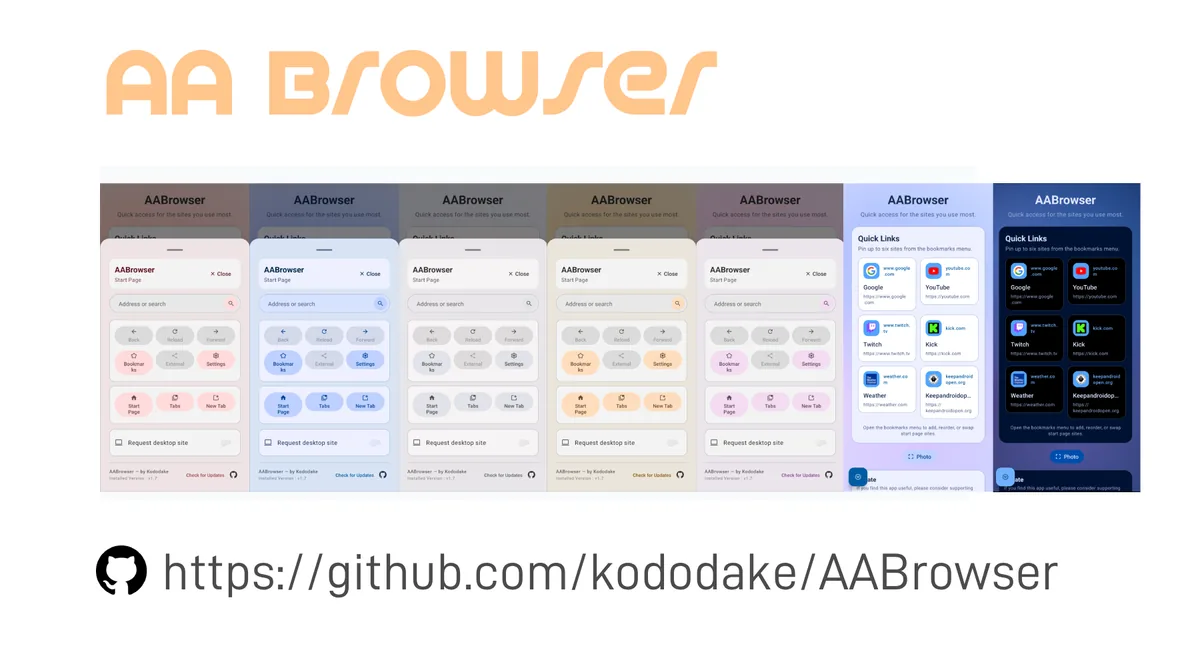
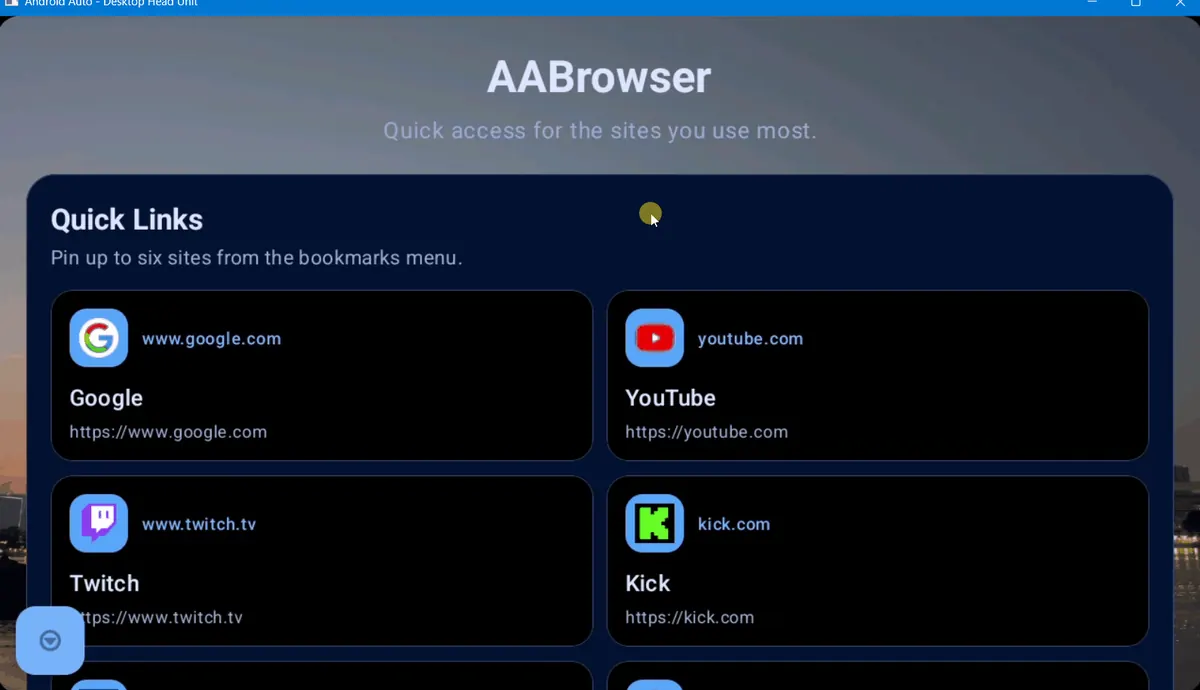
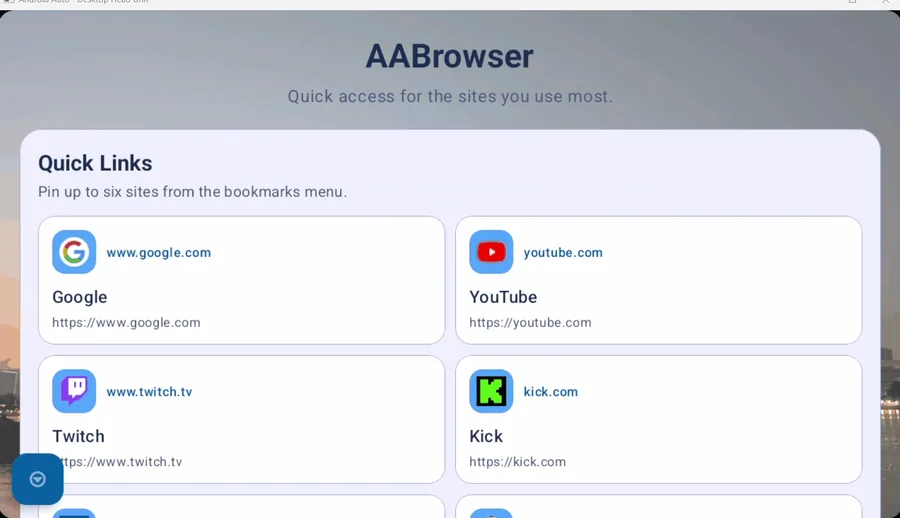
AA Browser is not a replacement for Maps, Waze, Spotify or a messaging app. It is a specialized third-party automotive browser for users who have a clear parked-use case and accept extra compatibility steps.
The latest verified AA Browser release for this site is v2.2, published June 13, 2026, with the official GitHub APK download listed at 6,763,349 bytes. It requires Android 15 or later, and the source should be checked before enabling any sideloading setting.
That makes AA Browser a niche choice for a compatible phone and vehicle, not a general answer to the search for the best Android Auto apps. Read the AA Browser installation guide and Android Auto Developer settings guide if you specifically need this path. Never use an APK to bypass a normal app's Android Auto eligibility.
Limits to check before you call an app the best
For Android Auto's official product scope and current compatibility guidance, start with Android Auto from Google. App support is a moving platform boundary, so a recommendation should remain conditional instead of promising that every app works on every car.
Set up while parked
Complete sign-in, permissions, launcher changes and testing before you move. A large phone feature list does not make a car interface safe.
Country and account differences
Store availability, subscriptions, assistant behavior and car features can differ by market. Check the listing for the account that will actually connect.
Updates can change the list
Android Auto, Android, the app and vehicle firmware can change visibility or controls. Recheck compatibility after a major update.
Use first-party downloads
Prefer Google Play for supported apps and the developer's verified release page for AA Browser. Avoid modded APK mirrors and fake download buttons.
Best Android Auto apps: FAQ
What is the best Android Auto app overall?
There is no universal winner. A practical starting set is Google Maps or Waze for navigation, Spotify or YouTube Music for audio, and one voice-friendly messaging app. Choose the service that already has your saved places, library or contacts.
Are all Android apps compatible with Android Auto?
No. Android Auto shows apps that provide a supported car experience. Installing an ordinary phone app does not automatically add a launcher icon.
Which is better for Android Auto, Google Maps or Waze?
Google Maps is a broad everyday default; Waze can be a better fit when live traffic and community incident reports are your priority. Test both on a familiar route and keep the one you trust.
Can I use AA Browser as one of the best Android Auto apps?
AA Browser is a specialized third-party option, not a mainstream navigation or media replacement. The verified v2.2 release requires Android 15 or later and may require extra compatibility steps.
Why is a recommended app not showing in Android Auto?
Confirm Android Auto support, update the app and Android Auto, check Customize launcher, reconnect the phone and verify that the app is installed in the profile used by the car session.